Reporting
The Jumpmind Commerce Point of Sale contains several real-time operational reports that can be run, from the Reporting menu, based on the user security level.
From the Manage Screen select the Reports button: 
A menu of available reports will appear: 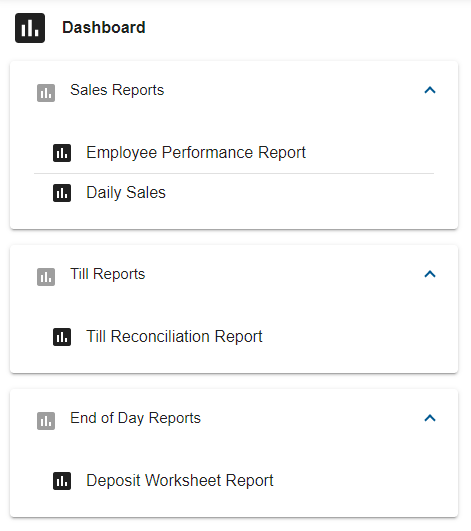
Sales Reports
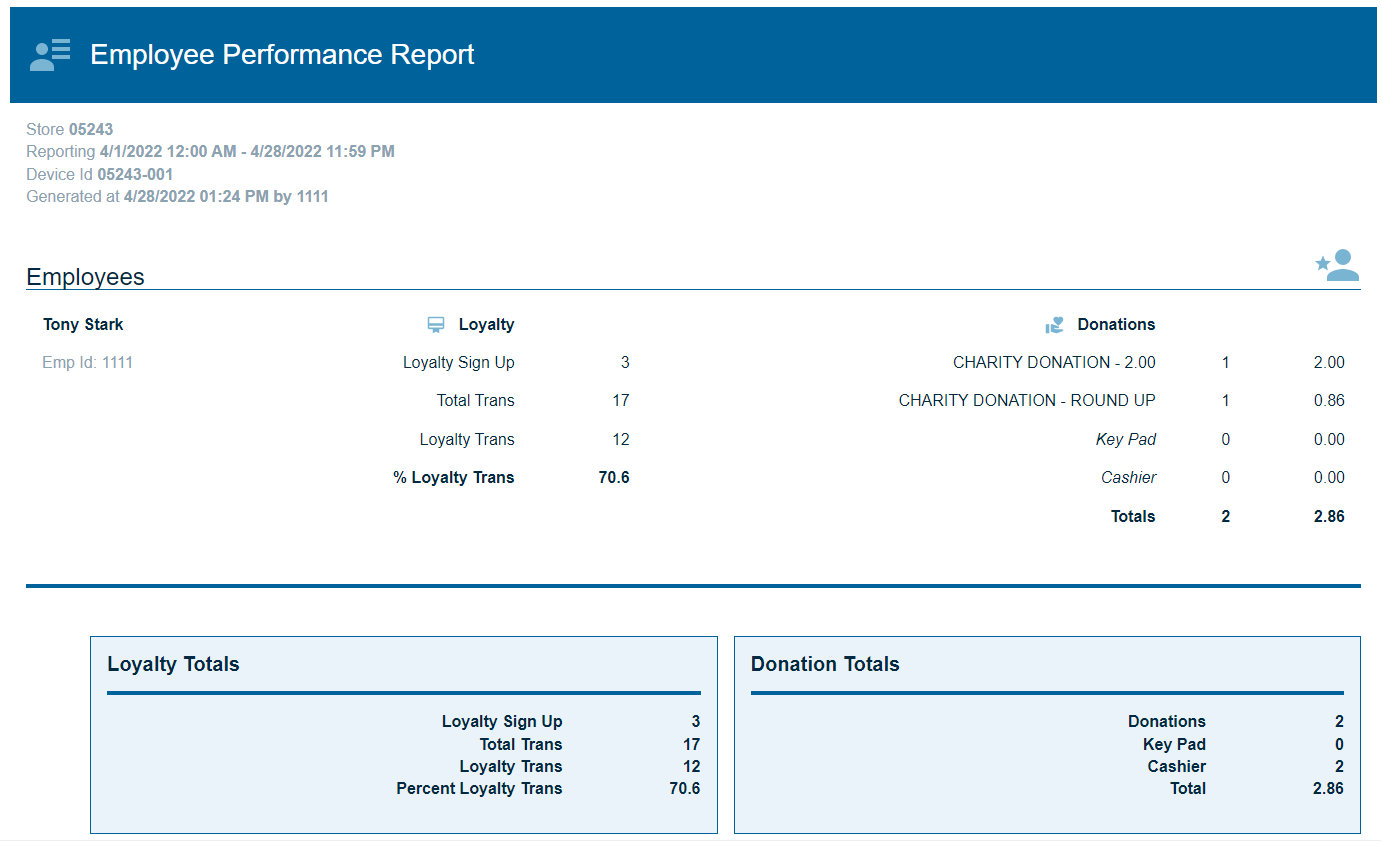
Employee Performance Report
This report will break down loyalty and donations performance, for an employee, for a single day or range of dates.
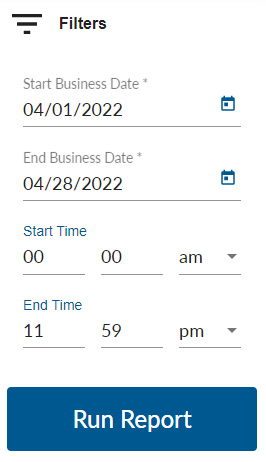
Select the date(s), in the filter section, and press Run Report
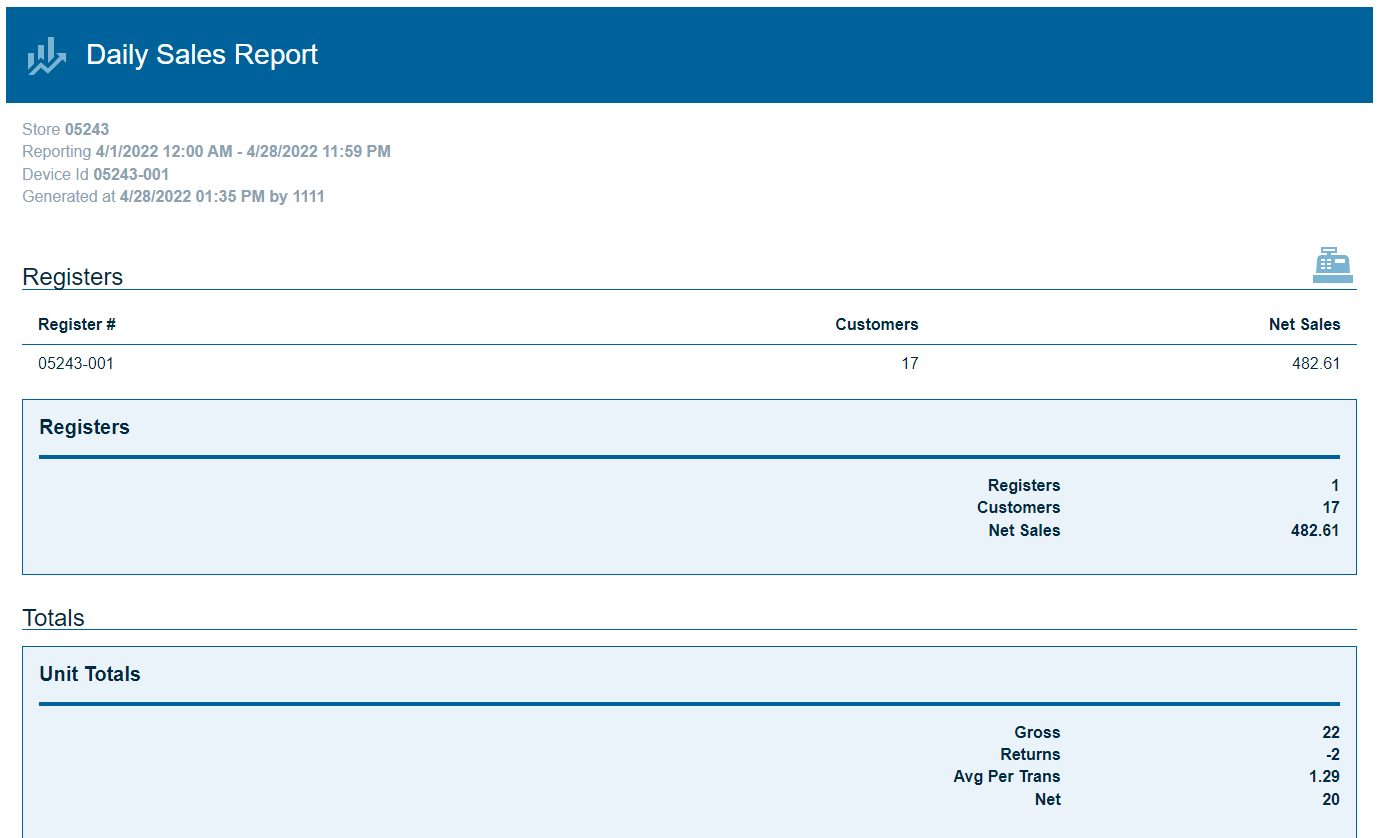
Daily Sales
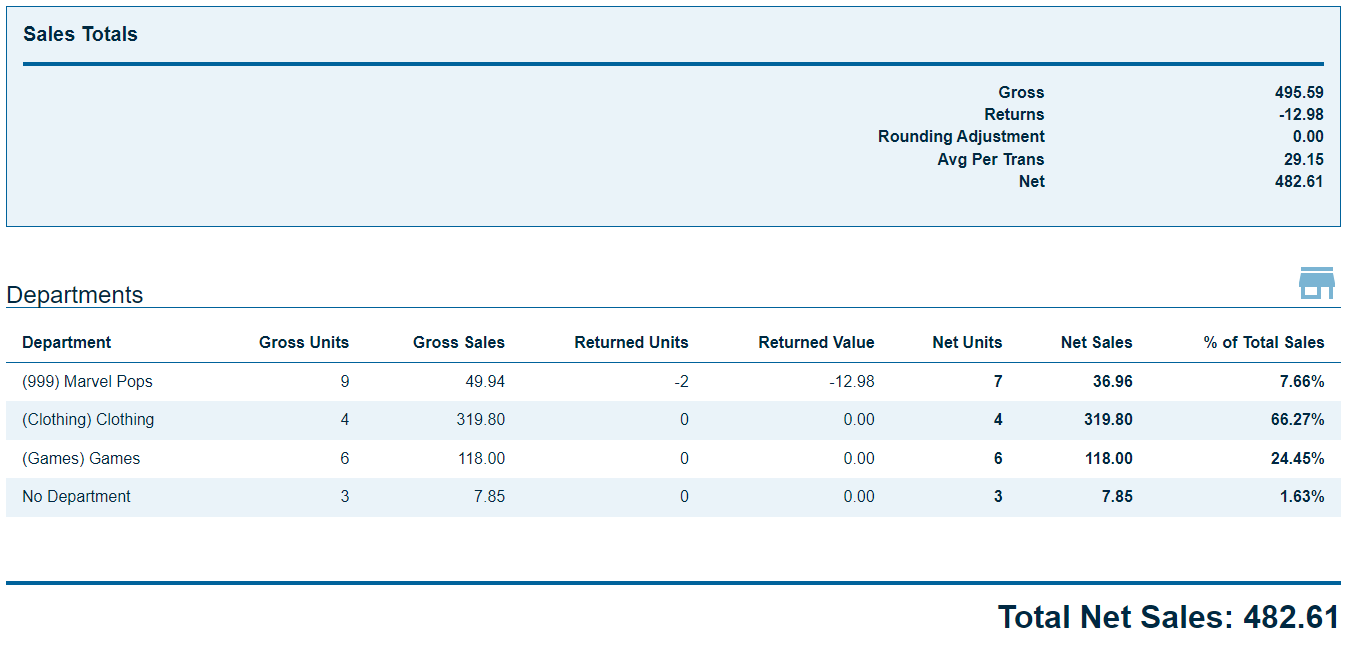
This report will break down the sales totals for a location, for a single day or range of dates.
Select the date(s), in the filter section, and press Run Report
Till Reports
Till Reconciliation Report
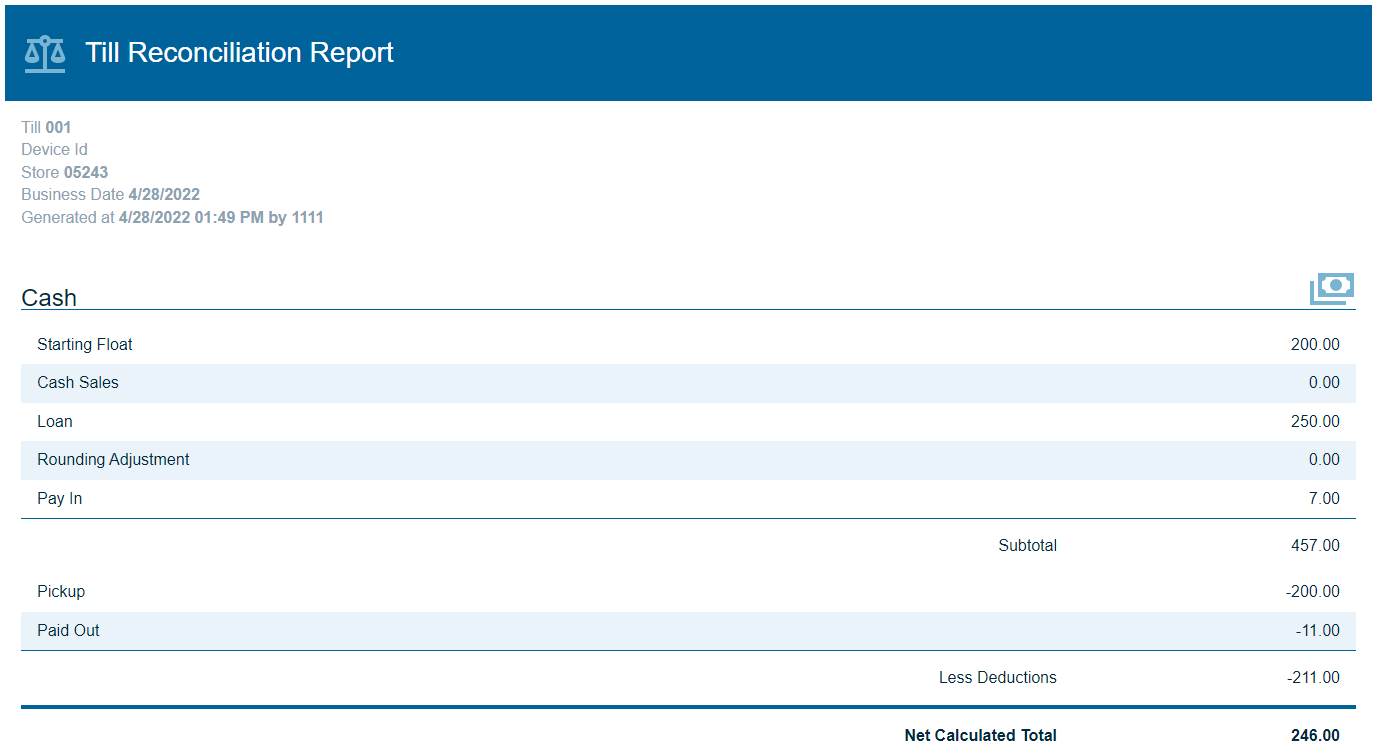
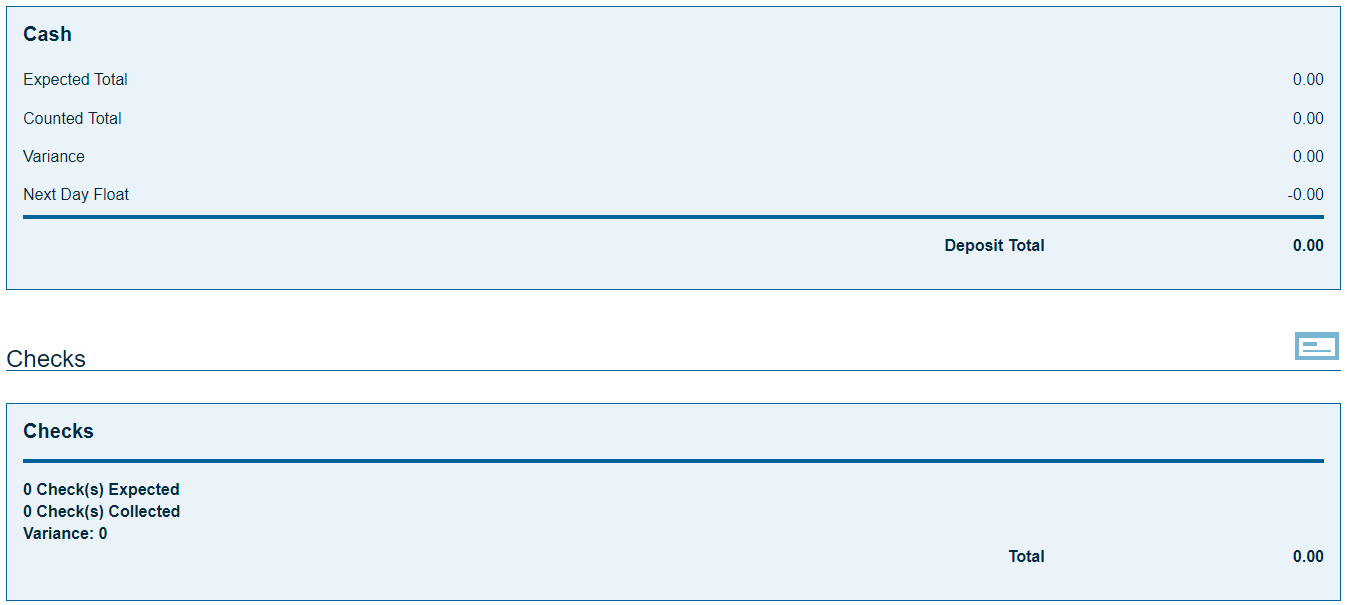
This report details all of the sales activity that occurred on a specific till for a selected date. The details for any of the store's tills can be run from any store register.
Select Till ID and the business date, in the filter section, and press Run Report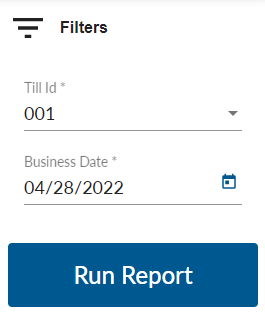
End of Day Reports
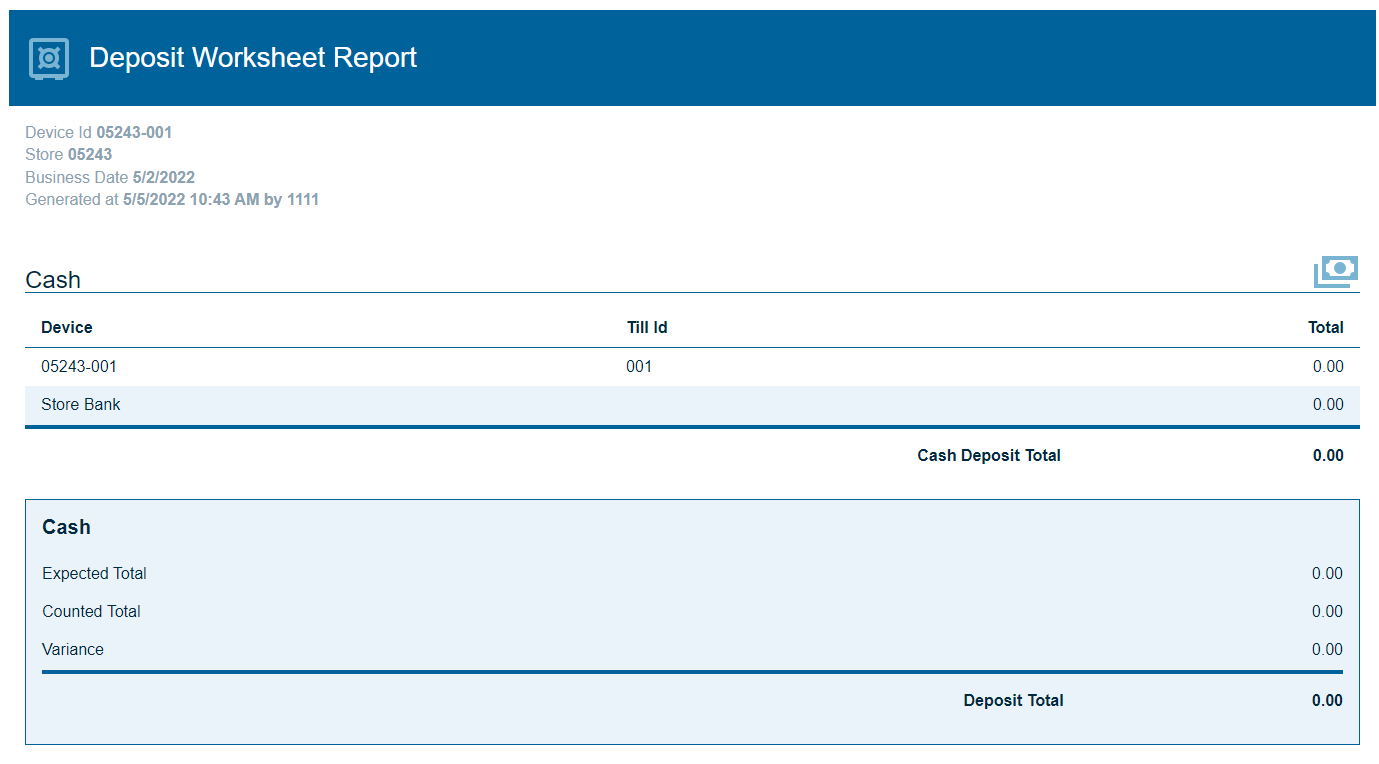
Deposit Worksheet Report
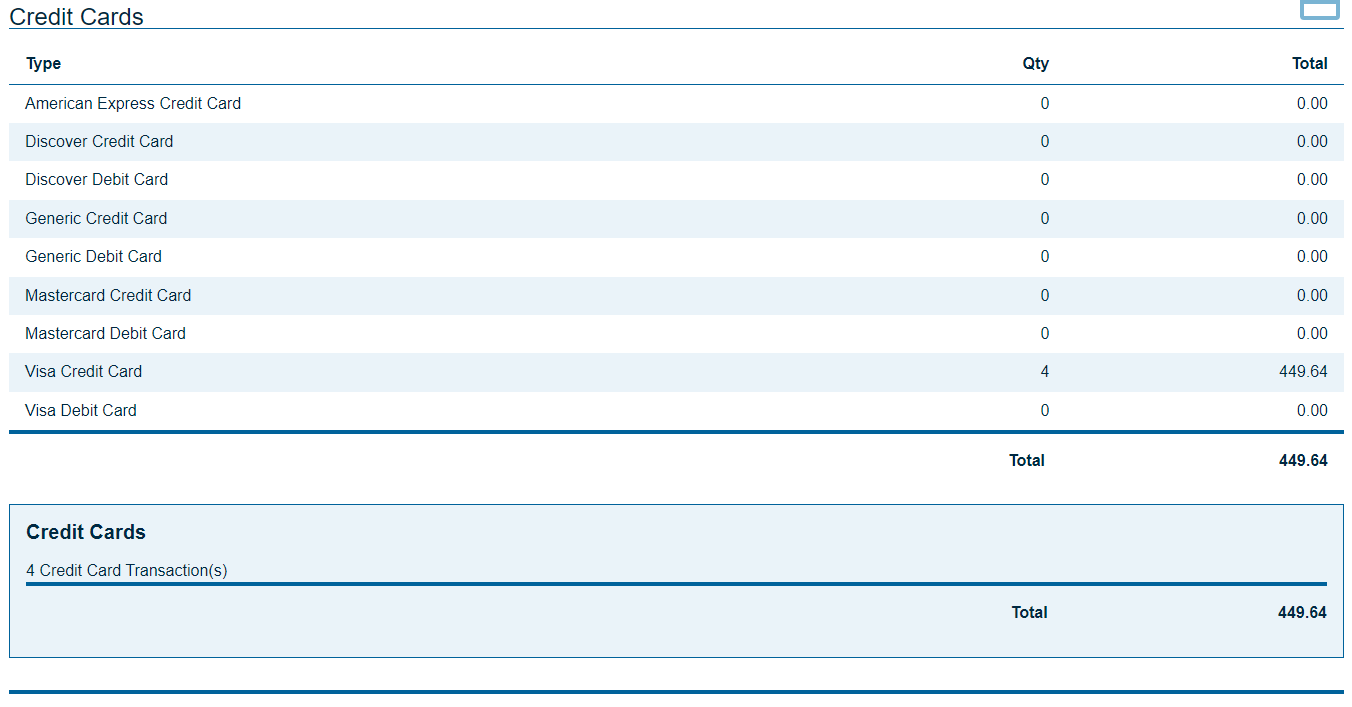
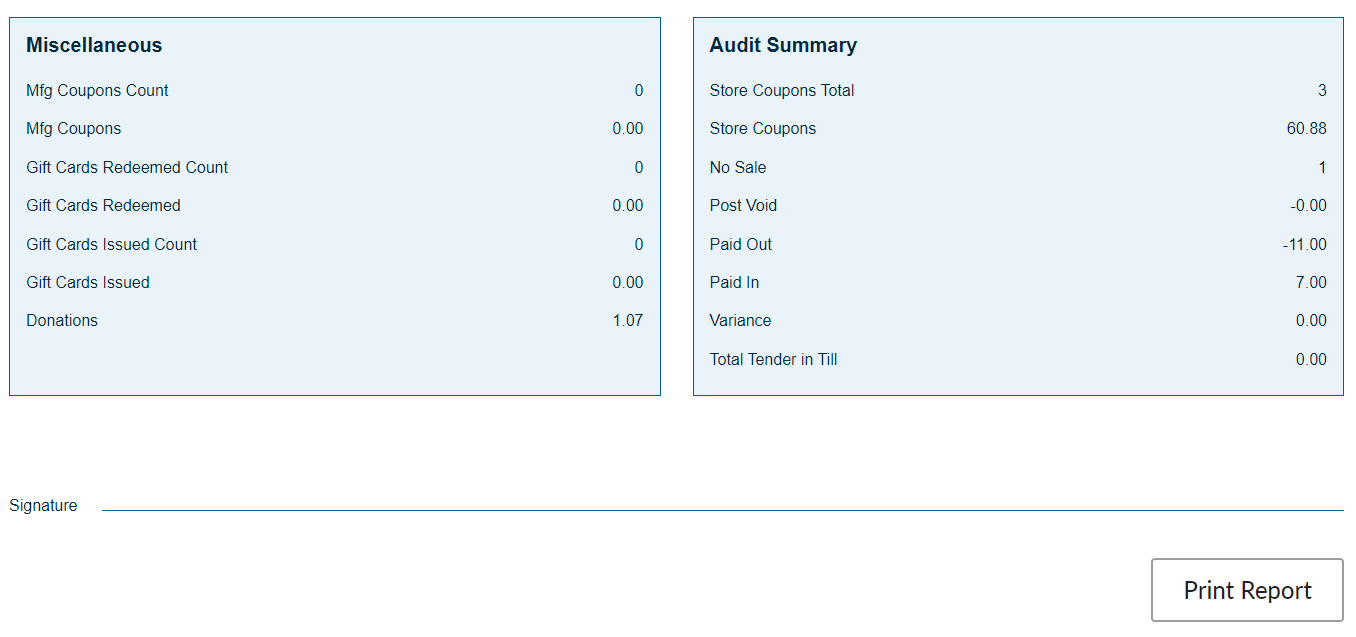
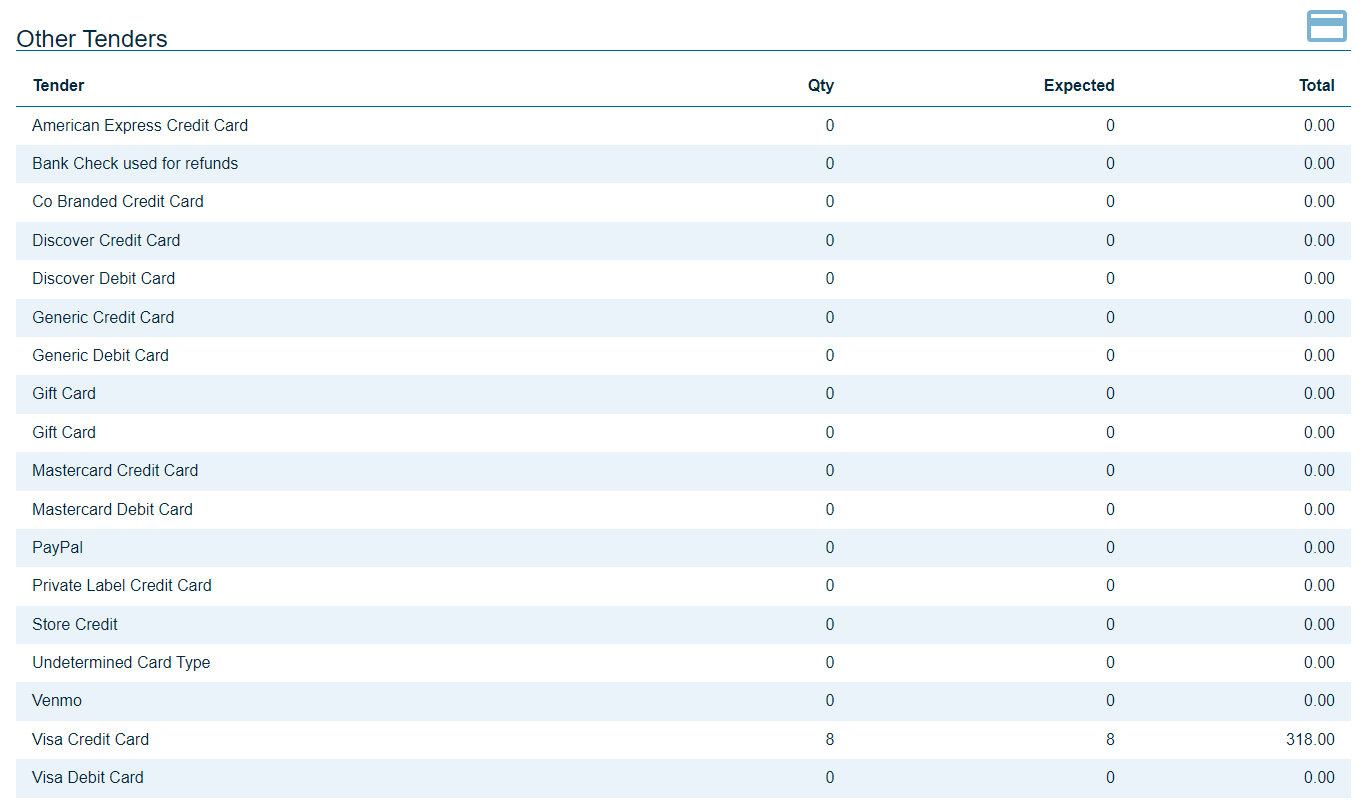
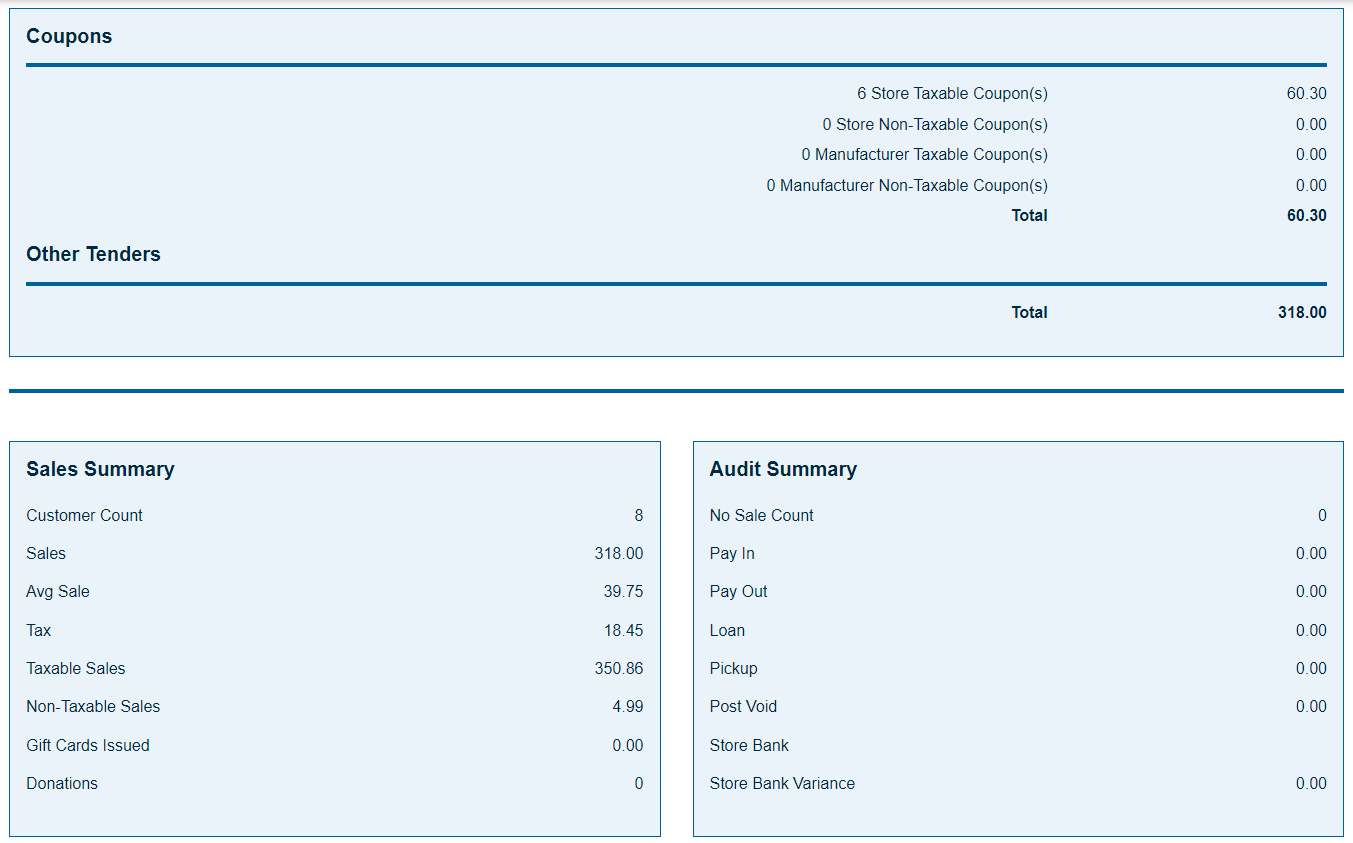
This report reflects all of the tender activity, for the location, for the business date. This report will generate automatically when the store is closed at the end of the business day. It can also be generated from the reports menu.
Select the date, in the filter section, and press Run Report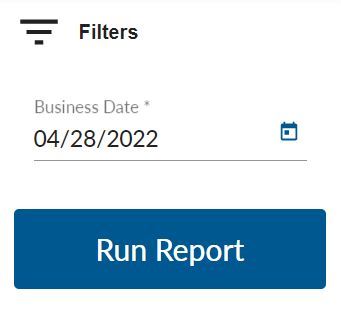
Electronic Journal
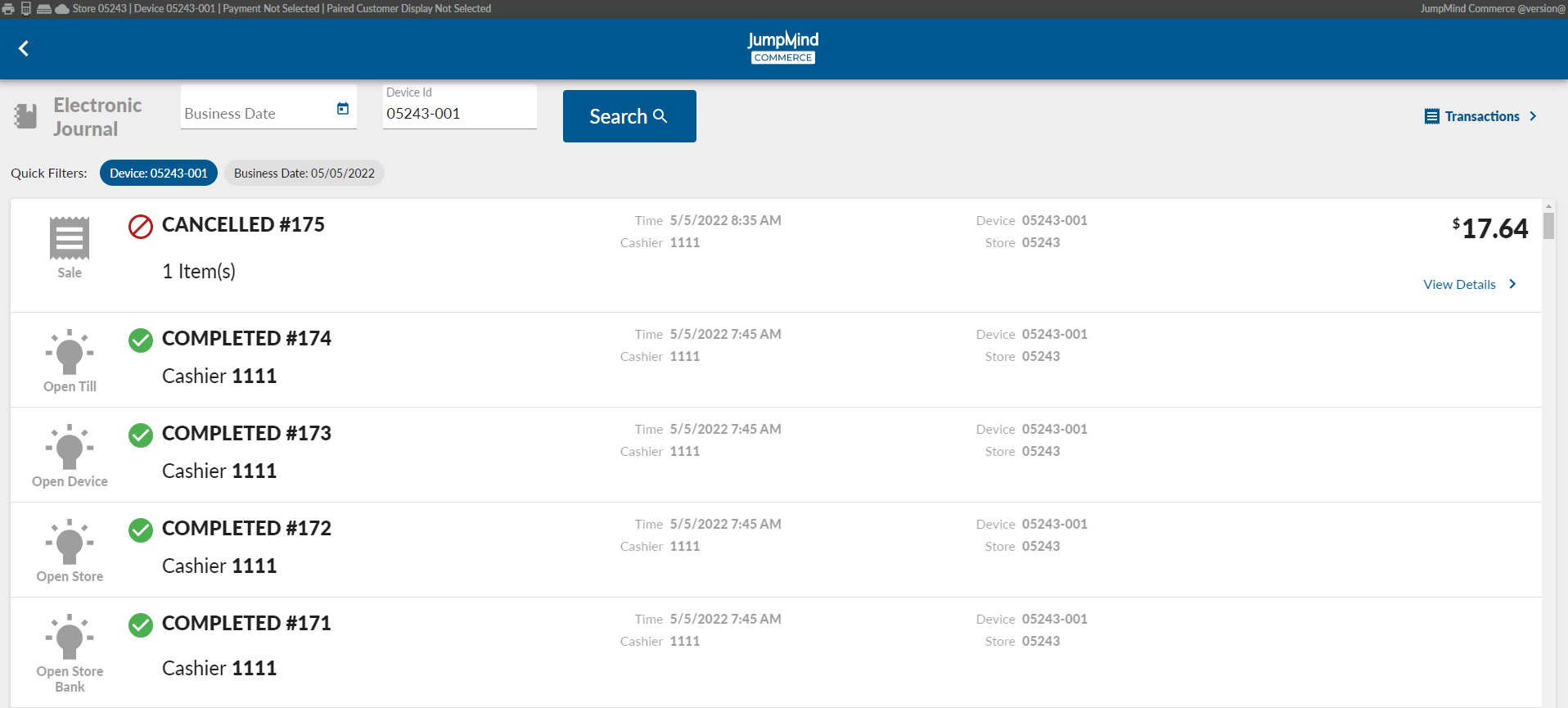
Jumpmind provides an eJournal that displays all of the device activity for a range of dates.
A search allows to pin point a specific date and device ID if needed and for research.
| Action | Field | Option |
|---|---|---|
| Enter document type | type | Report/Receipt |
| Document definition | documentDefinition | ex. DEPOSIT_WORKSHEET_REPORT.yml |
| Document Category | category | ex. TILL_REPORTS |