Transaction Operations
Accessible from the "Hamburger Menu" on the Sale screen, this menu offers access to operational actions for the active transaction.
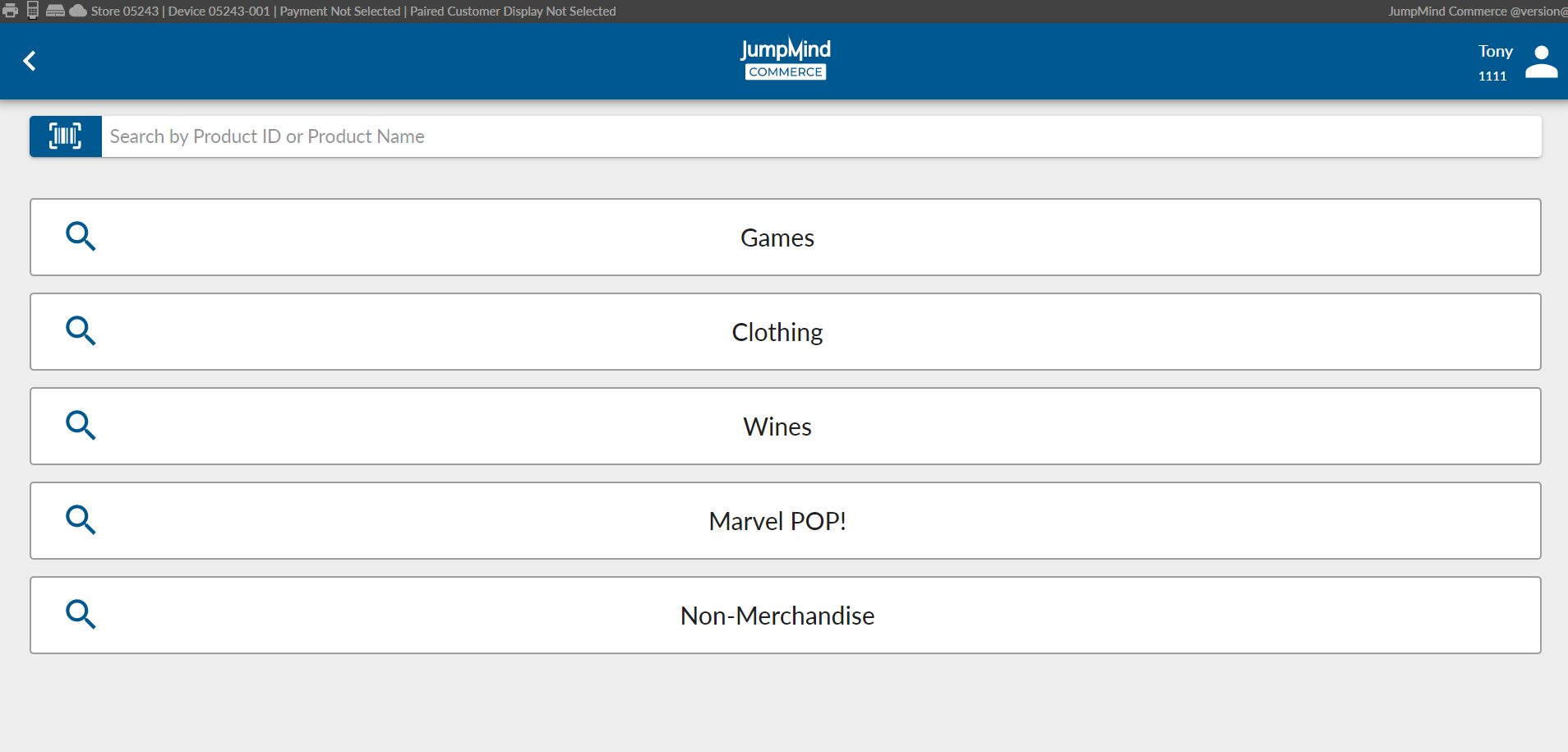
Item Inquiry
Search for a specific item using keywords or item identifiers. In lieu of being able
to scan an item for sale, this option will also allow a lookup and selection by item category.
Returns
Option to trigger a return of a previous transaction.
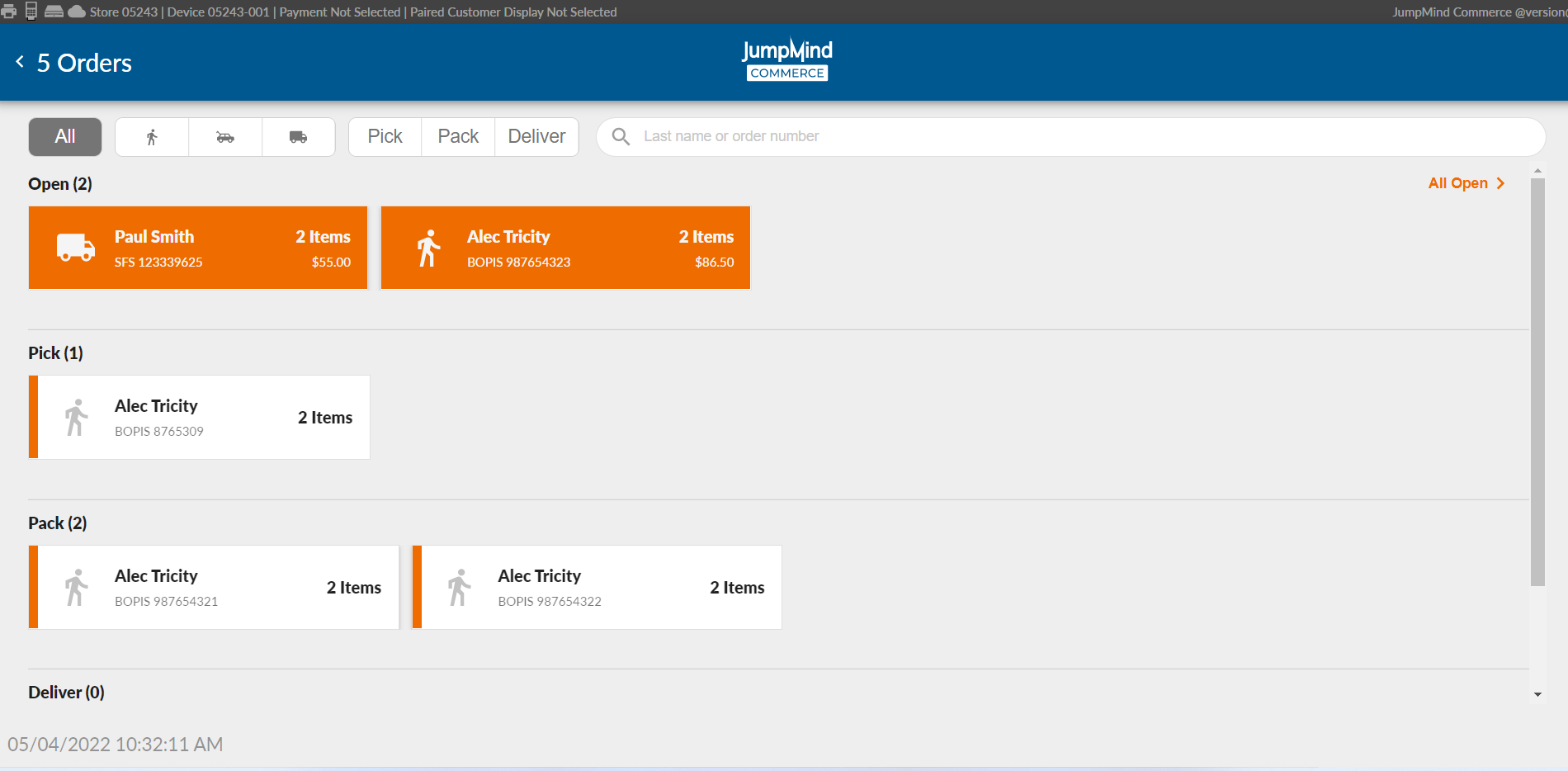
Orders
Access to the screen showing all open/active customer orders.
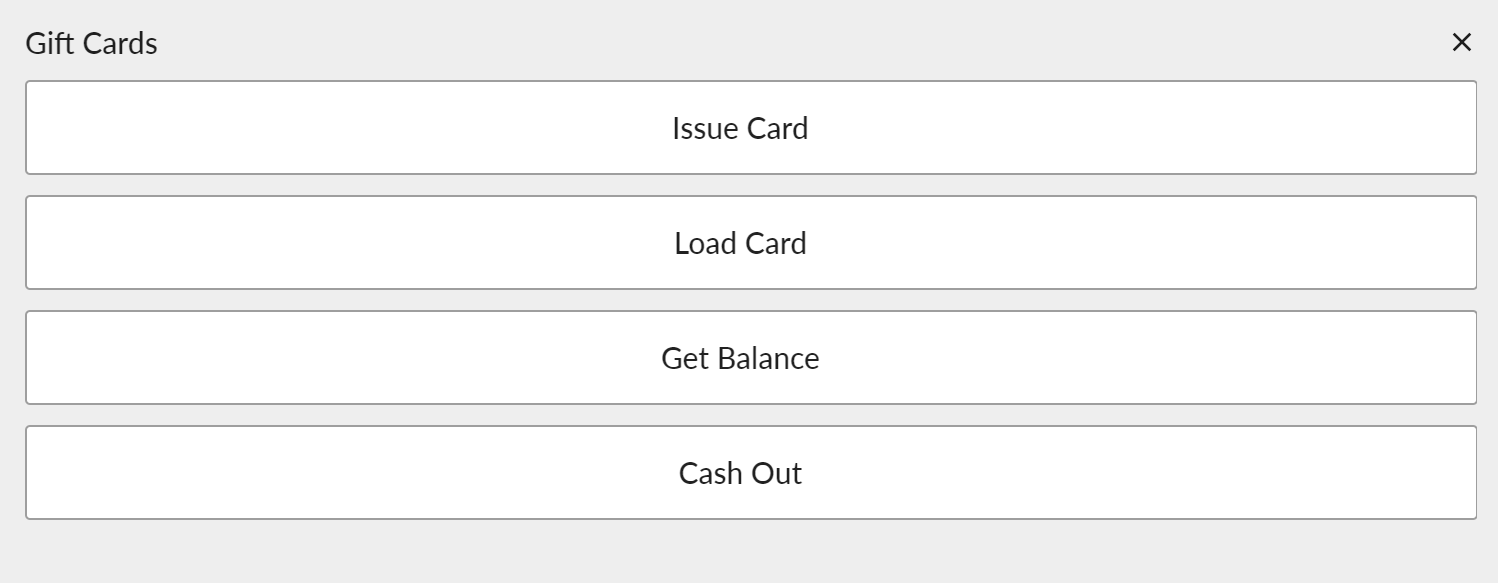
Gift Cards
Opens menu of actions related to gift cards, such as issuing a new gift card or doing a balance inquiry or adding money to
an existing card.
Gift Receipt
Will automatically print a gift receipt for the current transaction (all items being sold) when the ringout is complete.
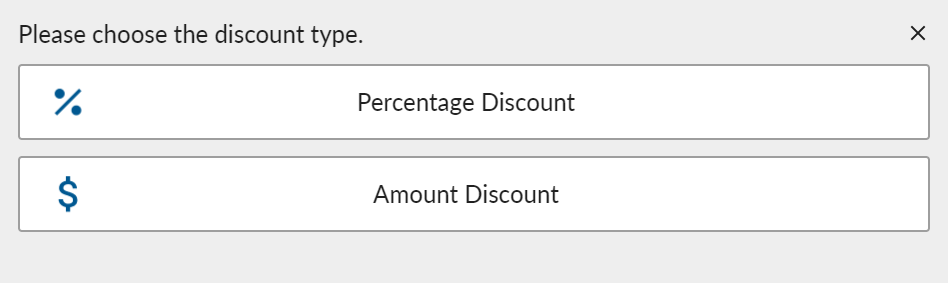
Discount
Allows the application of a $ or % discount from the transaction on the whole.
Custom Items
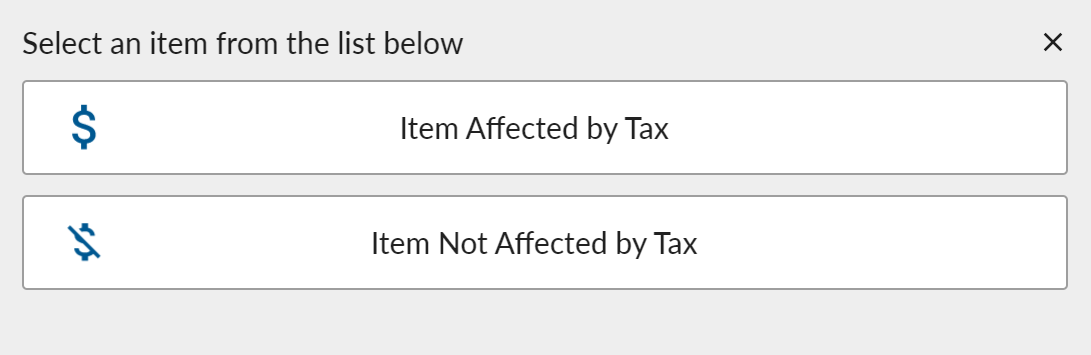
In order to sell item(s) that are not found in the item search, this option will assign a generic SKU if they are taxable or non-taxable.
Suspend / Resume
At any point during the sell process the user has the capability to suspend the transaction, for example if a customer forgot an item. This same transaction can later be resumed from the transaction menu on the sale screen.


Transactions can be suspended or resumed on any device within the store.
For example, if you suspend a transaction on a mobile device it can be resumed later on a fixed register.
Employee Discounts
Search for employee discounts to apply to the current transaction.
Tax Exempt
Mark the current transaction as tax-exempt. Will prompt for the customer's tax-exempt ID number.
Cancel
Cancel the current transaction and void all authorizations associated with the transaction. Also referred to as mid-void.